Accessible web design in 2027 should influence the first project discussion, the visual concept and the final customer journey.
Our forecast is that more businesses will treat accessibility as part of everyday design quality. That shift can improve how teams discuss navigation, content and interactions.
At Devon Design, we recommend starting with the tasks people need to complete.
Accessibility Connects Several Disciplines
A website can present clear writing within an interface that somebody struggles to operate. Equally, a technically sound page can still confuse readers through vague labels or unexplained instructions.
Therefore, consider design, content, implementation and evaluation together. W3C’s WCAG 2.2 provides testable accessibility criteria covering a broad range of needs.
However, a checklist alone cannot reveal every difficulty somebody might experience.
Start With Your Most Important Journey
Choose one task, such as requesting a quotation or booking an appointment. Then, follow every step from the landing page to confirmation.
Can visitors understand what will happen before they start? Do instructions explain which details the form requires?
Does the completion message confirm the next stage? These questions make the review concrete and help teams agree priorities.
Make Navigation Predictable
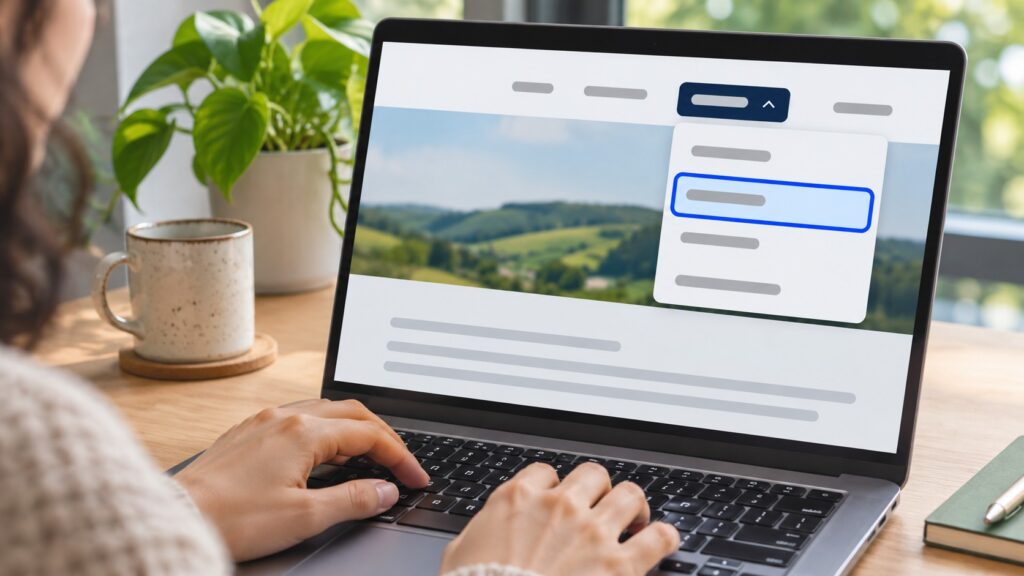
Use labels that reflect customer language and the information behind each link. Creative menu names can introduce uncertainty when visitors need a straightforward service description.
Additionally, preserve a logical reading and focus order across responsive layouts. Check whether keyboard users can open, navigate and close important menus.
Visible focus styling should help people follow their position on the page. Avoid letting floating interface elements cover the control somebody currently uses.
Choose Expressive Visuals Carefully
2027 creative forecasts encourage richer textures and more individual typography. Those ideas can still work within a readable interface. For example, keep a textured illustration separate from the text that explains your service.
Use decorative lettering sparingly and test important headings at smaller sizes. Similarly, check contrast across buttons, links, notices and form states.
Do not rely on colour alone to communicate an error or selection.
Help People Complete Forms
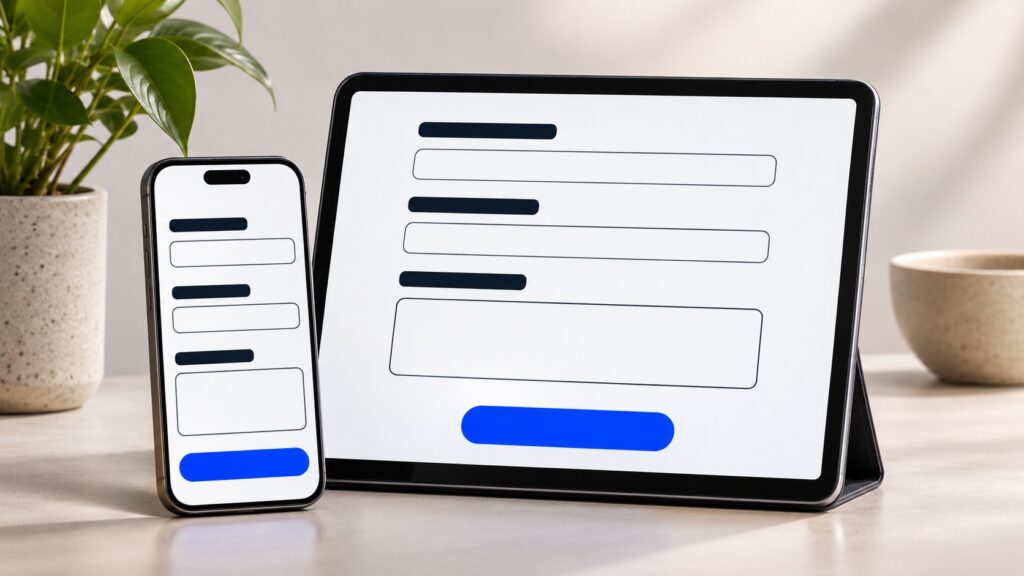
Forms often sit at the point where interest becomes an enquiry. Give every field a clear label and explain unusual requirements nearby.
When somebody makes a mistake, describe the problem and how to correct it. Preserve useful entries when the form returns an error.
Furthermore, remove questions that the business does not need at that stage. A shorter form still needs enough information to support a helpful response.
Combine Different Evaluation Methods
Automated checking can identify some accessibility problems quickly. However, people still need to review meaning, interaction and the complete task.
Include keyboard checks, text enlargement and relevant assistive technology testing within the agreed scope. Where possible, invite feedback from people with disabilities who represent your intended audience.
Record findings as specific problems with clear locations and consequences. Then, prioritise fixes and check the affected journey again.
Keep Accessibility Within Ongoing Changes
An accessible template can develop problems when editors add new content. Provide guidance for headings, link wording, image alternatives and embedded media.
Also, include accessibility considerations when choosing new plugins or interactive features. This creates a more dependable process than a single review before launch.
Plan Clearer Experiences With Devon Design
Our UX UI design service can help map tasks, identify barriers and develop clearer interfaces. We also connect those decisions with web design and content structure.
Begin with the journey that matters most to your customers. Agree the review scope, relevant criteria and practical acceptance checks before detailed design begins.
Contact Devon Design to discuss a clearer, more usable website for your audience.
Sources and Further Reading
- W3C: Web Content Accessibility Guidelines 2.2 — accessibility criteria supporting this article.