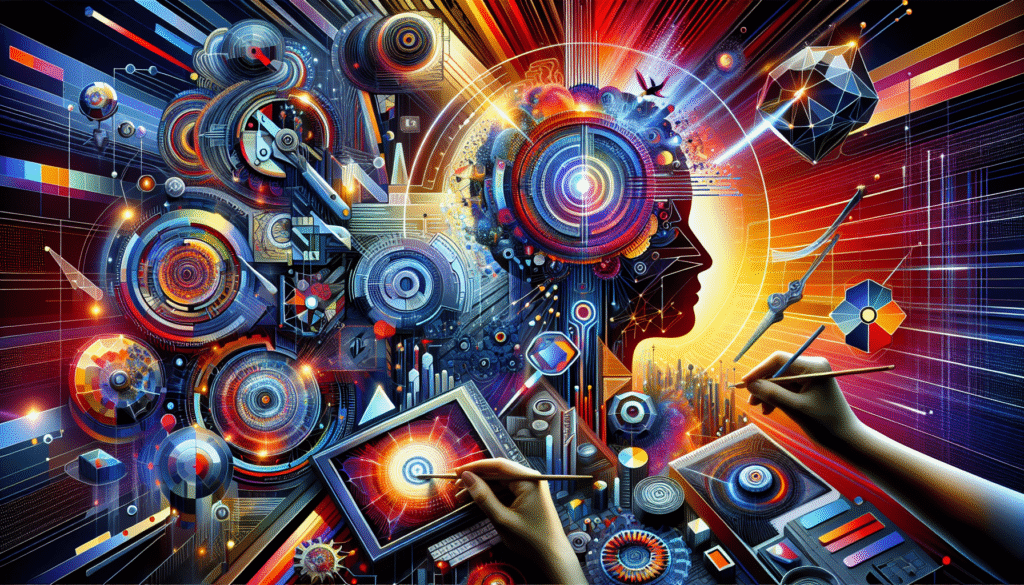
Artificial intelligence isn’t creeping into the world of graphic design anymore . It’s kicking down the door and setting up shop. If you’re a designer in 2025, odds are you’ve already encountered some level of AI integration in your creative workflow. Maybe you’re using AI tools to remove backgrounds, experiment with color palettes, or generate layout suggestions. But that’s just scratching the surface.
The AI landscape has exploded with potential, and the coolest part? You don’t need to be a coder or a data scientist to take full advantage. Whether you’re a freelance illustrator, UI/UX designer, or a hybrid creative juggling branding campaigns and social media content, there’s something in this revolution for you.
The Best AI Design Tools in 2025 . And How to Actually Use Them
The number of AI-driven design tools this year is downright impressive . And yes, a bit overwhelming. Let’s break down a few 2025 standouts that have proven not just popular, but genuinely helpful in my professional work and discussions with other design pros.
1. Adobe Firefly 2.0
Adobe didn’t stop at integrating AI into Photoshop and Illustrator . They took it a step further with Firefly 2.0. Now, you’re able to generate highly detailed illustrations and photos using everyday text prompts. The catch? It understands artistic tone. Say “vintage polish poster style,” and it actually gets it.
Real-world tip: Rather than treating it like a one-click solution, use Firefly to generate concept frameworks. Then bring those into Illustrator for refinement and your signature touch. It’s less about replacement, more about acceleration.
2. Runway Studio
This one’s a game-changer for motion designers. Using Runway’s Gen-3 engine, you can turn static visuals into slick video transitions or animated elements with minimal effort. I recently used it to pitch a dynamic brand intro — 80% of the visual direction came from Runway’s AI-generated motion suggestions. It turned client approval from a three-week waiting game into a three-day win.
3. Canva Studio AI
Canva’s new AI suite is surprisingly robust for multi-platform content. Whether it’s auto-sizing graphics perfectly for Instagram, TikTok, and email banners or generating templates with your brand’s color psychology in mind, it’s a serious time-saver . Especially for social-focused designers.
Pro tip: Feed Canva your past projects, and its AI will start building “design DNA” profiles to offer layout options true to your existing style.
4. Uizard for UX/UI Mockups
Primarily a wireframing tool, Uizard now uses AI to clean up hand-drawn mockups or even rough sketches. I’ve digitized napkin scribbles into clickable prototypes during back-to-back client meetings. It’s that efficient.
Generative Art in Action: Real Projects, Real Results
Let’s talk substance. Abstract ideas are great, but how are people really using AI in the field?
Case Study: Branding for a Sustainable Clothing Startup
I worked on a visual identity pack for a startup that wanted “natural, ethereal, Pacific Northwest vibes.” Instead of combing through Pinterest for moodboards, I used Firefly to generate 20+ visual styles inspired by eco-minimalism. We narrowed it down to one . Mossy tones, flowing fonts . And built the full brand kit on top of that.
Using AI cut down our initial exploration phase by two-thirds. More time for refinement, less on trial-and-error.
Case Study: AI-Aided Packaging Design
A colleague in Berlin used Midjourney 6.1 for early packaging concepts. Prompted with brand voice and values, it spat out five packaging layouts that immediately resonated with the client. While none of them were used as-is, they inspired key typographic and spatial decisions.
Blending AI with Your Unique Style . Without Losing Your Soul
Let’s get real. Every designer I know has asked this at some point: If AI is doing the heavy lifting, what makes my work worth anything?
The answer? Your eye. Your story. Your sense of what’s just enough.
AI tools don’t have taste — you do. The key is to treat AI like a creative apprentice that never sleeps. Feed it your values, your process, your quirks . And it’ll give you results that amplify rather than dilute your style.
Here’s how to pull that off:
- Create style guidelines before prompting: Know your fonts, palettes, and voice tone. Make sure the AI understands your sandbox.
- Avoid over-polished outputs: AI art can look too perfect . Lifeless, even. Add imperfections by layering textures, tweaking symmetry, or drawing over your base.
- Build iterative loops: Generate. Edit. Re-generate. Like working with an intern, results get sharper the more feedback you provide.
What We've Learned (So Far)
The fusion of AI and human design isn’t a battle . It’s a partnership. It unlocks faster workflows, opens doors to visually bold experiments, and lets creatives spend more time on ideas than grind. But it only works if you stay honest about how you’re using it.
As someone working in the design world every day . Collaborating with clients, experimenting with toolsets, getting feedback, reworking assets . I can confidently say that AI isn’t replacing us. It’s reshaping the way we create.
Will it keep evolving? You bet. Will it take some trial and error to really nail the sweet spot between tech and talent? Of course.
But that’s the fun part, isn’t it?
What now? Test drive one new AI tool this week. Create a single graphic with it, inject your perspective, and see where it takes you. The future doesn’t wait . Neither should your next design.
Frequently Asked Questions
What’s the best AI tool for beginner designers in 2025?
Canva Studio AI is a fantastic starting point. It’s user-friendly, and the AI features are baked right into familiar workflows. You don’t need any technical background . Just a design sense and a willingness to explore.
Can AI-generated designs be copyrighted?
As of 2025, copyright laws are still catching up to generative content. In many regions, fully AI-generated works can’t be copyrighted unless there’s a demonstrable human creative input. Always add a personal touch or refinement to protect your rights . And consult with a legal professional for clarity if you’re working commercially.
Will using AI tools make me a “lazy” designer?
Absolutely not . Unless you’re using them passively without critique or customization. Smart designers treat AI as a co-creator, not a replacement. It’s how you use the tool, not the tool itself, that defines professionalism.
Can AI help with color theory or design feedback?
Yes. Tools like Adobe Color AI can now make suggestions based on emotional tone and brand alignment. Others can even simulate how your design looks in various lighting or for viewers with color vision deficiencies.
What should I avoid when integrating AI into my creative process?
Avoid relying on default outputs. If everyone uses the same prompt styles or templates, everything starts to look the same. Use AI for ideation, but always pass your designs through your personal filter . Your gut is still your best design compass.